Beyond Markdown: How @neuledge/context Indexes Python, Java, and Any Documentation Format
Your AI coding assistant can now read Django, Flask, and Spring Boot docs natively. See how @neuledge/context v0.3.0 parses reStructuredText and AsciiDoc alongside Markdown.
Update (April 30, 2026): Multi-format parsing is now part of the @neuledge/context v1.0 stable release.
Most AI documentation tools make a quiet assumption: your library’s docs are in Markdown. If they are, great. If they aren’t, you’re out of luck.
That’s a problem, because some of the most important frameworks in software development don’t use Markdown at all. Python’s ecosystem standardized on reStructuredText (.rst) — Django, Flask, and most Sphinx-based projects write their docs in it. Many Java projects, including Spring Boot, use AsciiDoc (.adoc) for their reference documentation.
If your AI documentation tool can only parse Markdown, it can’t index Django. It can’t index Spring Boot. It’s locked out of entire ecosystems.
@neuledge/context v0.3.0 fixes this with native support for all three formats.
Three formats, zero configuration
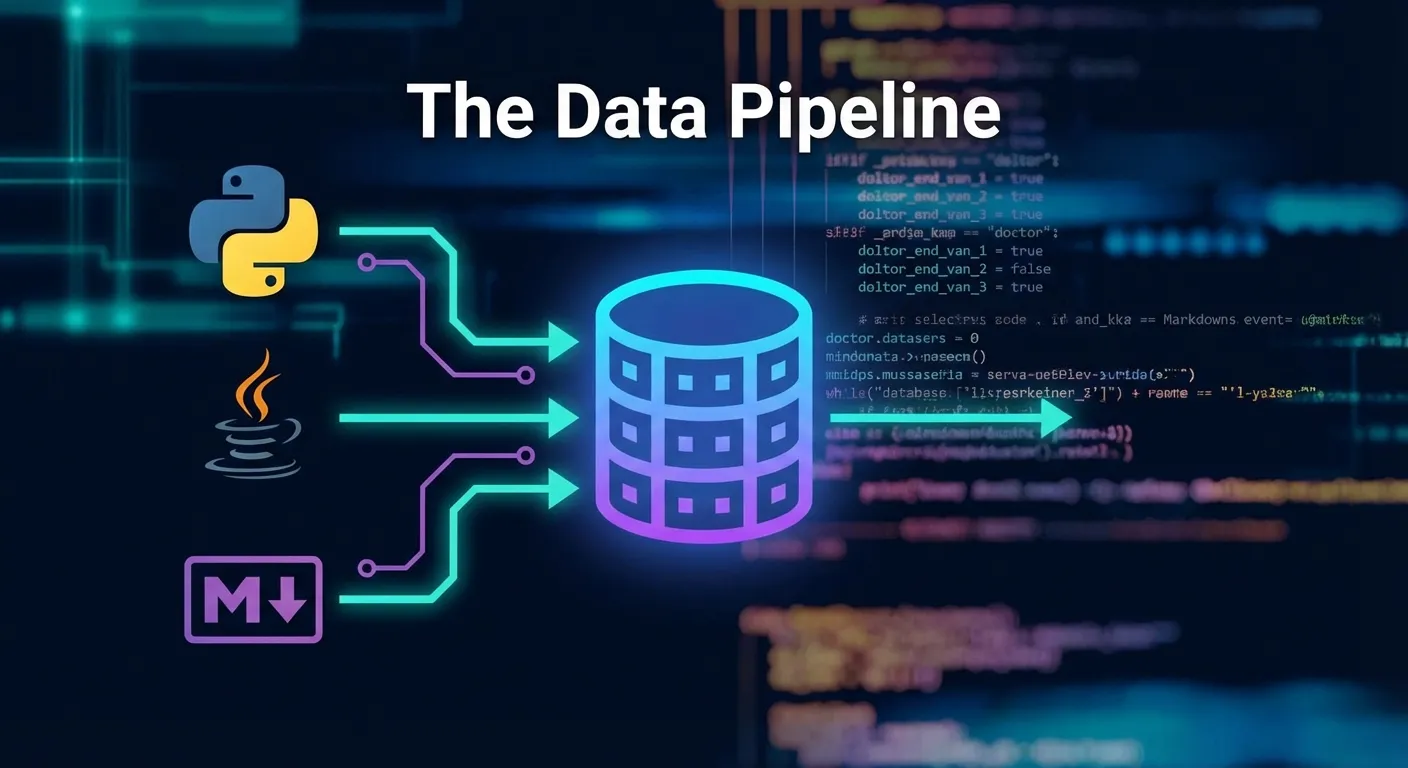
Context now parses three documentation formats:
- Markdown (.md, .mdx, .qmd, .rmd) — the existing default
- reStructuredText (.rst) — Python ecosystem: Django, Flask, Sphinx-based docs
- AsciiDoc (.adoc) — Java ecosystem: Spring Boot, enterprise documentation
Format detection is automatic. Context reads the file extension and selects the right parser. No configuration flags, no format declarations. Point it at a repo and it figures out the rest.
This means a single repository with mixed formats — say, Markdown README files alongside .rst API reference docs — gets parsed correctly without any extra steps. Each file is handled by its extension.
Python ecosystem: Django, FastAPI, Flask
Let’s walk through indexing Django’s documentation. If you’re using the community registry, it’s one command:
context install pip/djangoThat downloads a pre-built package with Django’s full .rst documentation already parsed, chunked, and indexed into a searchable SQLite database.
Want to see what versions are available? The registry pulls version data from PyPI’s REST API automatically:
context browse pip/djangoIf you’d rather build from source — maybe you’re tracking a development branch or using a fork:
context add https://github.com/django/djangoContext will clone the repo, detect the .rst files in Django’s docs/ directory, and parse them into the same indexed format. Django’s documentation is extensive — hundreds of .rst files covering models, views, middleware, forms, and the admin interface. All of it becomes searchable by your AI assistant.
The same workflow works for the rest of the Python ecosystem:
- FastAPI:
context install pip/fastapi - Flask:
context install pip/flask - Pydantic:
context install pip/pydantic
Once indexed, your AI coding assistant gets version-specific, accurate answers instead of guessing from training data. Ask about Django 5.1 middleware and you get Django 5.1 middleware docs — not a hallucinated blend of version 3, 4, and 5.
Java ecosystem: Spring Boot
The AsciiDoc parser opens up Java’s documentation world. Spring Boot’s reference documentation is written entirely in .adoc files, and Context handles it natively:
context install maven/spring-bootVersion discovery works through Maven Central’s API, so context browse maven/spring-boot shows every published version. Install the one that matches your project.
Building from source follows the same pattern:
context add https://github.com/spring-projects/spring-bootContext detects the .adoc files and parses Spring Boot’s reference docs — configuration properties, auto-configuration, actuator endpoints, and deployment guides. Instead of your AI assistant guessing at Spring Boot configuration, it can search the actual reference documentation for your exact version.
The registry also includes:
- JUnit:
context install maven/junit - Micrometer:
context install maven/micrometer
Build from any git repo
The multi-format support isn’t limited to registry packages. Any git repo with .rst or .adoc files works. This is especially useful for teams with internal documentation.
context add https://github.com/your-org/internal-docsContext scans the repository, auto-detects formats by extension, and parses everything it finds. If your team maintains API docs in reStructuredText and architecture docs in Markdown, both get indexed correctly from the same repo.
This also works for libraries that aren’t in the registry yet. Found an open-source Python library with great .rst docs? Just point Context at the repo. No need to wait for someone to add it to the registry — though if it’s a popular library, consider submitting a registry entry so others can benefit too.
Why this matters
The Markdown assumption has been a blind spot for AI documentation tooling. Python has the third-largest developer community globally. Java remains the backbone of enterprise software. Excluding these ecosystems from AI documentation tools meant excluding millions of developers.
With multi-format support, @neuledge/context is no longer a JavaScript/TypeScript documentation tool. It’s a documentation tool for any ecosystem that writes docs in Markdown, reStructuredText, or AsciiDoc — which covers the vast majority of open-source projects.
Your AI assistant shouldn’t be limited to libraries that happen to use Markdown. Try indexing a Python or Java library and see the difference accurate, version-specific documentation makes:
npx @neuledge/context install pip/djangoBrowse the full community registry for pre-built packages, add any llms.txt site as a documentation source, check the documentation for setup instructions, or explore how local-first documentation keeps everything fast and private.