You Don't Need a Vector Database for AI Grounding
For documentation grounding, vector databases add cost and complexity without improving accuracy. Full-text search in SQLite is faster, simpler, and more precise.
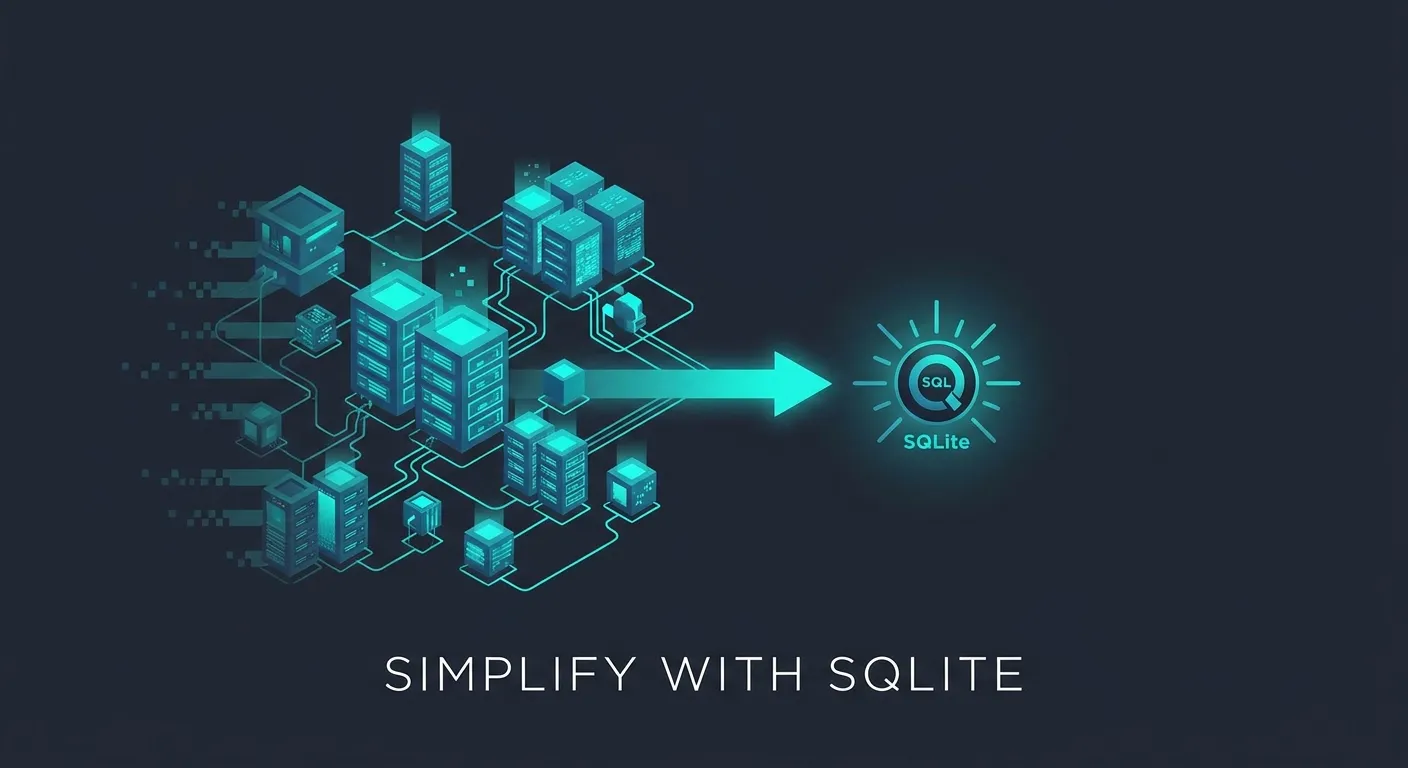
You set up Pinecone to power your AI coding assistant’s documentation search. Now you’re managing an embedding pipeline, a vector store, an API key, and a monthly bill — just to look up how useRouter works in Next.js 16.
Meanwhile, the results are… fine. Mostly. Sometimes your assistant confidently returns docs for Next.js 14 because the embeddings were “semantically similar.” Sometimes it pulls in content from a completely unrelated library because your React Router docs landed too close in vector space.
This is the vector database tax. And for the most common AI grounding use case — connecting LLMs to documentation — you probably don’t need to pay it.
The Vector Database Default
The AI industry created a default assumption: if you want to ground an LLM in external knowledge, you need embeddings and a vector database. Chunk your documents, compute embeddings, store them in Pinecone or Weaviate or Chroma, and query by semantic similarity at inference time.
This architecture made sense for a specific class of problems. But somewhere along the way, it became the default for everything — including documentation search, where it’s overkill at best and counterproductive at worst.
Most developers building AI-powered coding assistants aren’t searching millions of unstructured documents. They’re searching known documentation for known libraries. The tool doesn’t fit the job.
When Vector Search Actually Makes Sense
Let’s be fair — vector databases solve real problems:
- Large unstructured corpora — searching millions of documents where you genuinely don’t know what’s in the collection
- Semantic gap queries — when the query and the answer use completely different vocabulary (“how do I make this bigger” → CSS
font-sizeproperty) - Enterprise knowledge bases — heterogeneous, messy content from wikis, Slack threads, and internal docs with no consistent structure
- Multimodal search — finding images or videos by text description
These are valid use cases. The argument isn’t “vector databases are bad.” It’s that you probably don’t have these problems when grounding an AI coding assistant in library documentation.
When You Don’t Need One
For documentation grounding — by far the most common developer use case — the conditions that justify vector search don’t exist:
- The corpus is known and curated. You chose which libraries to include. You know what React, Django, and Spring Boot documentation looks like.
- The content is structured. Sections, headings, code blocks, API signatures. This isn’t a pile of unstructured text — it’s well-organized reference material.
- Queries are specific. Developers ask “how do I use React Server Components” or “what are the arguments to
fetch” — not vague conceptual questions. - Full-text search handles this perfectly. BM25 ranking with good tokenization returns the right documentation section on the first try.
Here’s the part vector database advocates don’t emphasize: FTS returns exact matches. When a developer asks about useEffect, full-text search finds every section that mentions useEffect. Vector search finds sections that are “semantically similar” to the concept of effects — which might include useLayoutEffect, lifecycle methods, or a completely different library’s side-effect system.
For documentation grounding, precision beats recall. You want the exact answer, not a semantically adjacent one.
The SQLite Approach
@neuledge/context takes a different approach entirely. Instead of embeddings and vector stores, it indexes documentation into SQLite databases — one per library — with FTS5 full-text search:
npx @neuledge/context install npm/react
npx @neuledge/context install npm/next
That’s it. Each library’s docs become a local .db file with section-aware indexing. Your AI assistant queries it with full-text search and gets results in under 10 milliseconds — no network, no embeddings, no API calls.
Compare this to the vector database workflow:
| Vector DB | SQLite FTS | |
|---|---|---|
| Setup | Choose provider, create index, configure embeddings | context install npm/react |
| Indexing | Chunk docs → compute embeddings → upload vectors | Pre-built, downloaded as a .db file |
| Query latency | 50–200ms (network + similarity computation) | <10ms (local disk read) |
| Infrastructure | Managed service or self-hosted server | None — the .db file is the database |
| Cost | Per-vector storage + per-query pricing | Zero |
| Offline | No | Yes |
| Accuracy | Semantically similar (fuzzy) | Exact matches (precise) |
The community registry hosts over 150 pre-built documentation packages — React, Next.js, Angular, Django, FastAPI, Spring Boot, and more. No embedding computation needed. Download a .db file and start searching.
The Infrastructure Tax
Here’s what a vector database actually costs you for documentation grounding:
- Embedding computation. Every document gets chunked and embedded — either through an API (OpenAI, Cohere) at per-token pricing, or locally with a GPU. Re-embed whenever docs update. For Pinecone’s serverless tier, you’re paying per-read-unit and per-write-unit on top of embedding costs.
- Index maintenance. When a library releases a new version, you re-chunk, re-embed, and re-upload. Version management becomes your problem — do you keep old versions? How do you handle breaking changes?
- Operational complexity. Another service to run, monitor, and debug. Weaviate Cloud starts at $25/month for a sandbox. Pinecone’s free tier limits you to a single index with 2GB of storage. Self-hosting means running another server.
- Latency overhead. Every query makes a network round-trip to the vector database plus a similarity computation. Even optimized services add 50–200ms per query — significant when your AI assistant is doing multiple lookups per response.
- Debugging difficulty. When vector search returns bad results, good luck figuring out why. Embedding similarity is a black box. With FTS, you can inspect the query, see the indexed terms, and understand exactly why a result was or wasn’t returned.
For documentation grounding, all of this overhead buys you nothing over full-text search on well-structured content. You’re paying an infrastructure tax for a capability you don’t need.
When to Reconsider
Be honest about the trade-offs. Full-text search works best when:
- Your corpus is structured and curated (documentation, API references, knowledge bases you control)
- Queries are specific and keyword-rich (developer questions about specific APIs, functions, or concepts)
- You value precision over recall (you’d rather miss a tangentially related result than include a wrong one)
If your use case involves searching a million Slack messages, discovering relationships across unstructured enterprise data, or handling queries in multiple languages where vocabulary overlap is low — a vector database might genuinely be the right tool. Know your problem before choosing your architecture.
Start Simpler
Before spinning up a vector database, ask yourself: is my corpus known and structured? If yes, you probably don’t need embeddings.
LLM grounding doesn’t require complex infrastructure. For documentation search — the use case most developers actually have — SQLite full-text search delivers faster results, simpler operations, better accuracy, and zero infrastructure cost.
Try it yourself:
npx @neuledge/context install npm/react
npx @neuledge/context search npm/react "server components"
Sub-10ms results. No embeddings. No vector database. No infrastructure to manage.
Explore the documentation to get started, or browse the community registry to find pre-built packages for your stack.